



MXGP 2020 – The Official Motocross Videogame EU Steam CD Key
€12.42
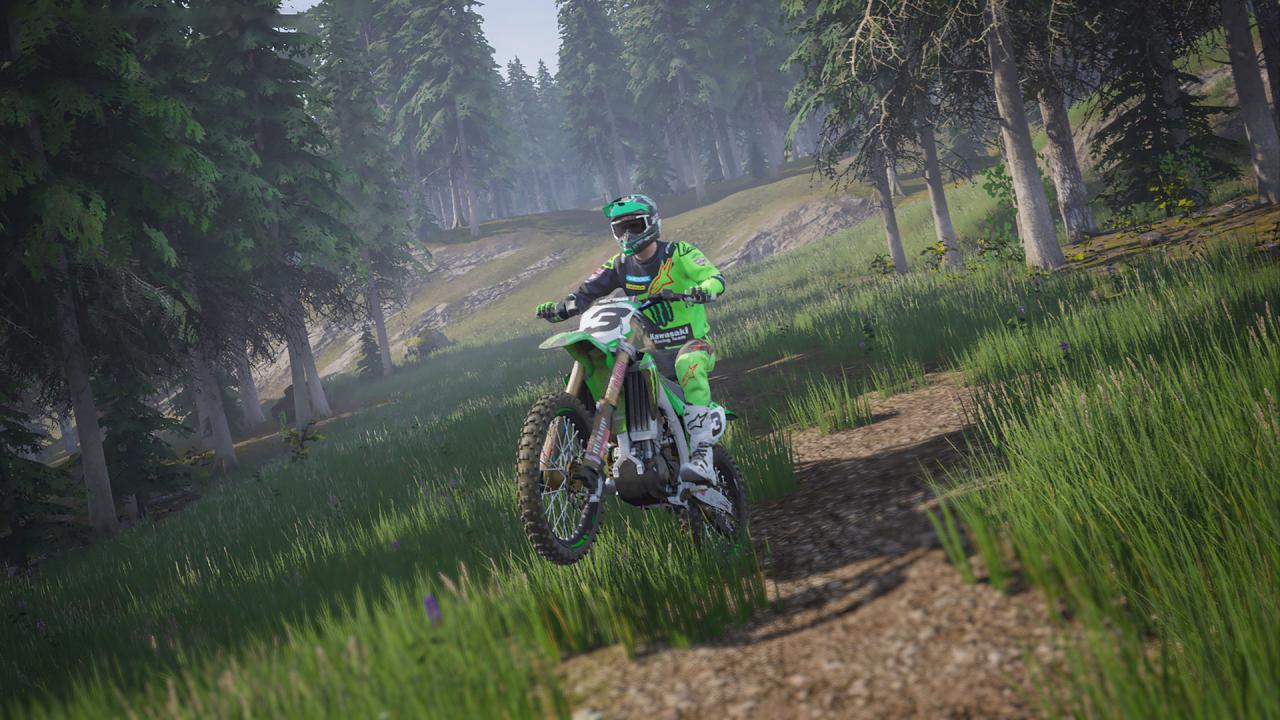
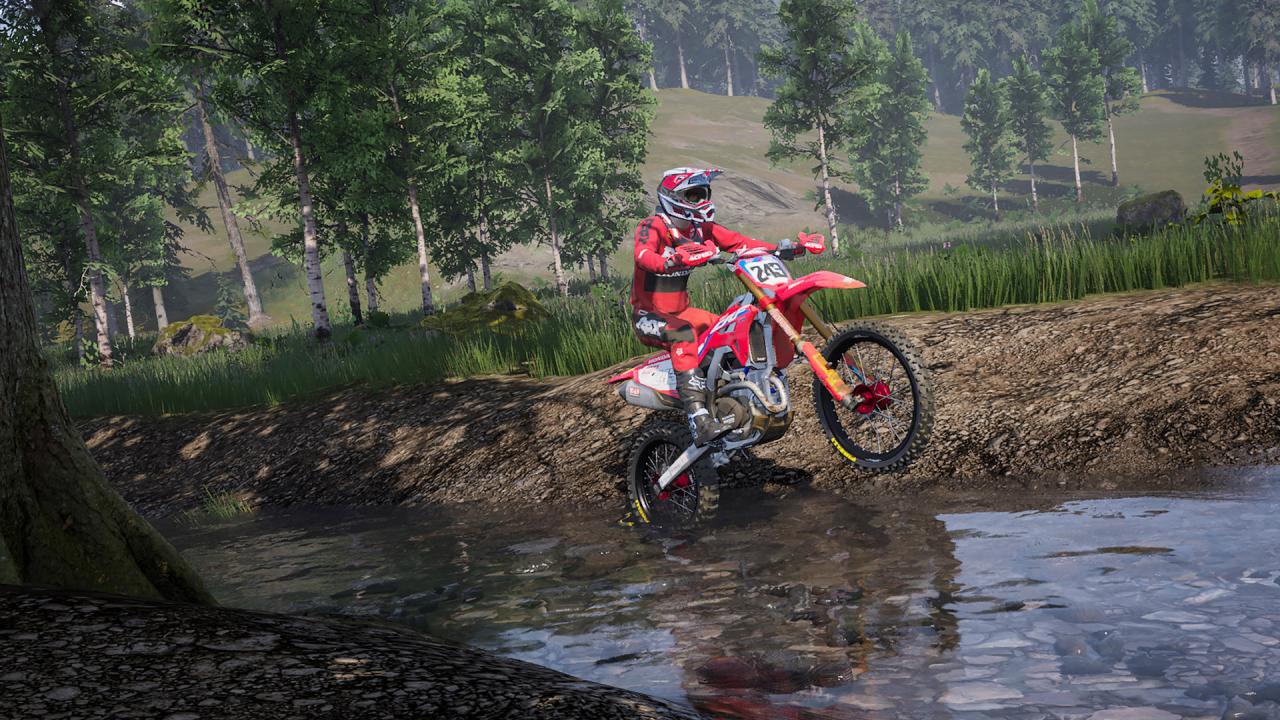
The official videogame of the Motocross Championship is back!Jump onto your bike and let the adrenaline rise with this new gaming experience. Take control: discover what’s new in the official series. Features YOU ARE THE CHAMPIONChallenge all the riders, bikes and teams in the 2020 MXGP and MX2 categories. Build the racer in you and become the champion you’ve always dreamed of being. THE PLAYGROUND AND WAYPOINT MODEImprove your riding in this training area, inspired by the suggestive Norwegian fjords, and explore the stunning scenery. Take competition to a new level with Waypoint mode! Create your own route by placing checkpoints on the ground. Share your best time online to earn points to help you progress through the game! ONLINE COMPETITIONSWith new dedicated servers, the multiplayer experience goes up a level. A very reliable connection, zero latency and very large bandwidth. No more excuses, new challenges are waiting! EXTREME CUSTOMISATIONUnleash your imagination and get the best results by customising bikes and riders with over 110 official brands. It’s not just fun to watch, your choices will affect your performance.
| Developers | Milestone |
|---|---|
| Publishers | Milestone |
| Genres | Racing, Simulation, Sport |
| Platform | Steam |
| Languages | English, French, German, Italian, Portuguese, Portuguese – Brazil, Spanish |
| Release date | 2020-12-16 |
| Steam | Yes |
| Age rating | PEGI 3 |
| Regional limitations | 1 |