



Stars End EU Steam Altergift
€18.56
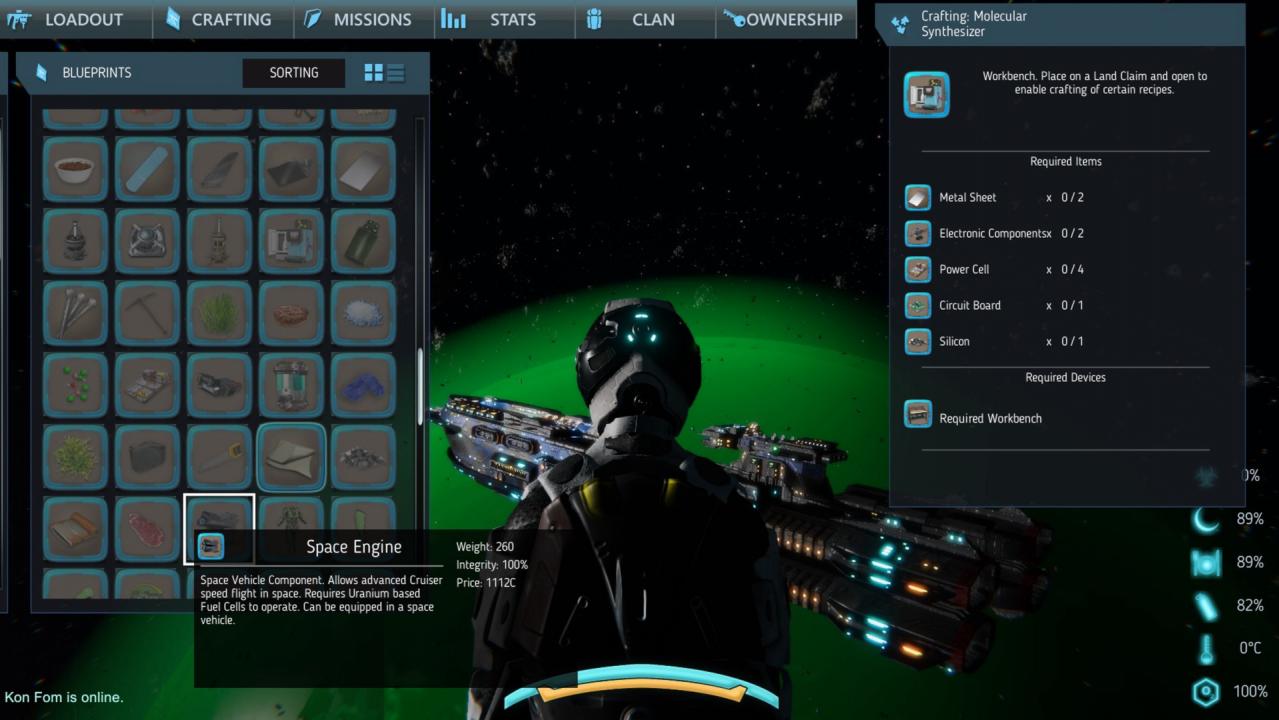
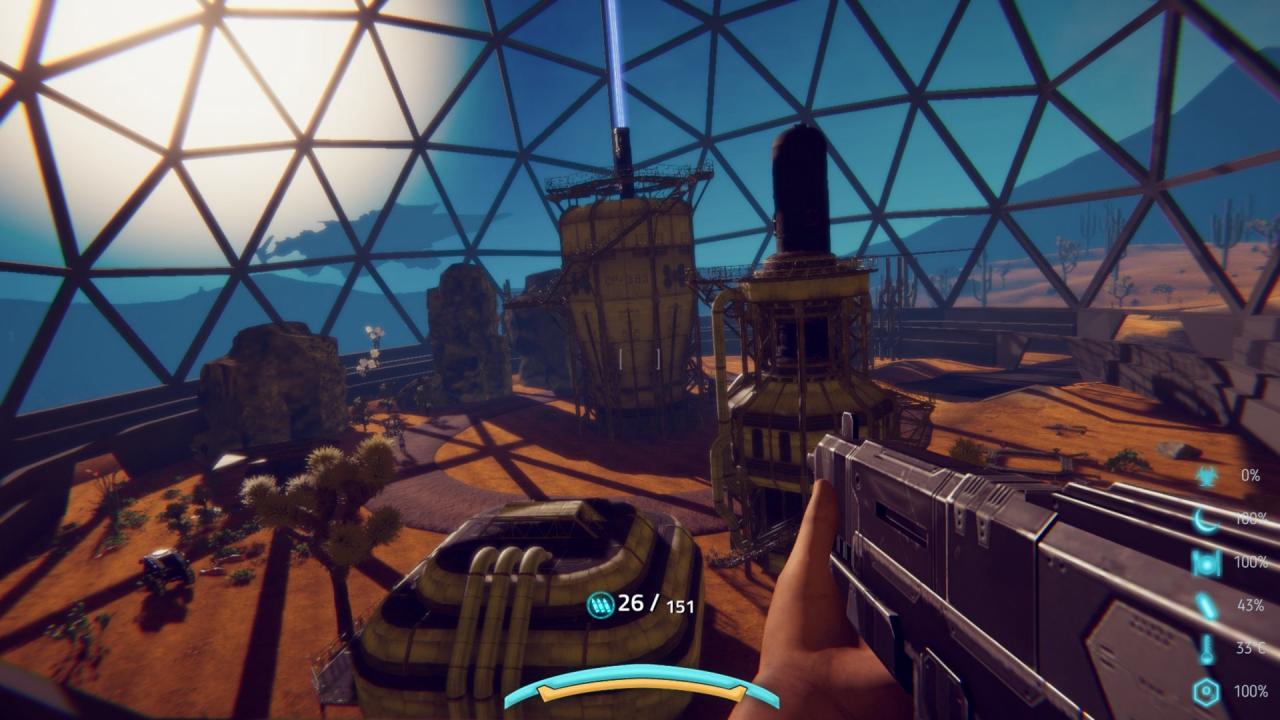
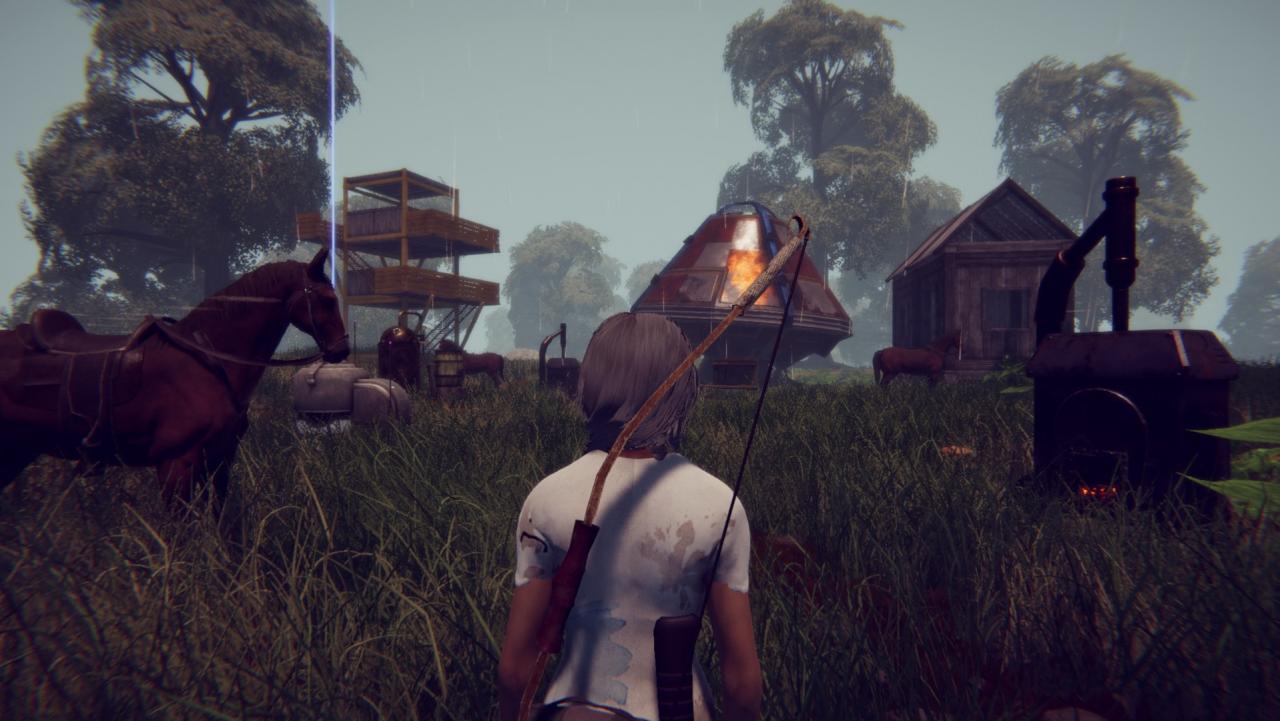
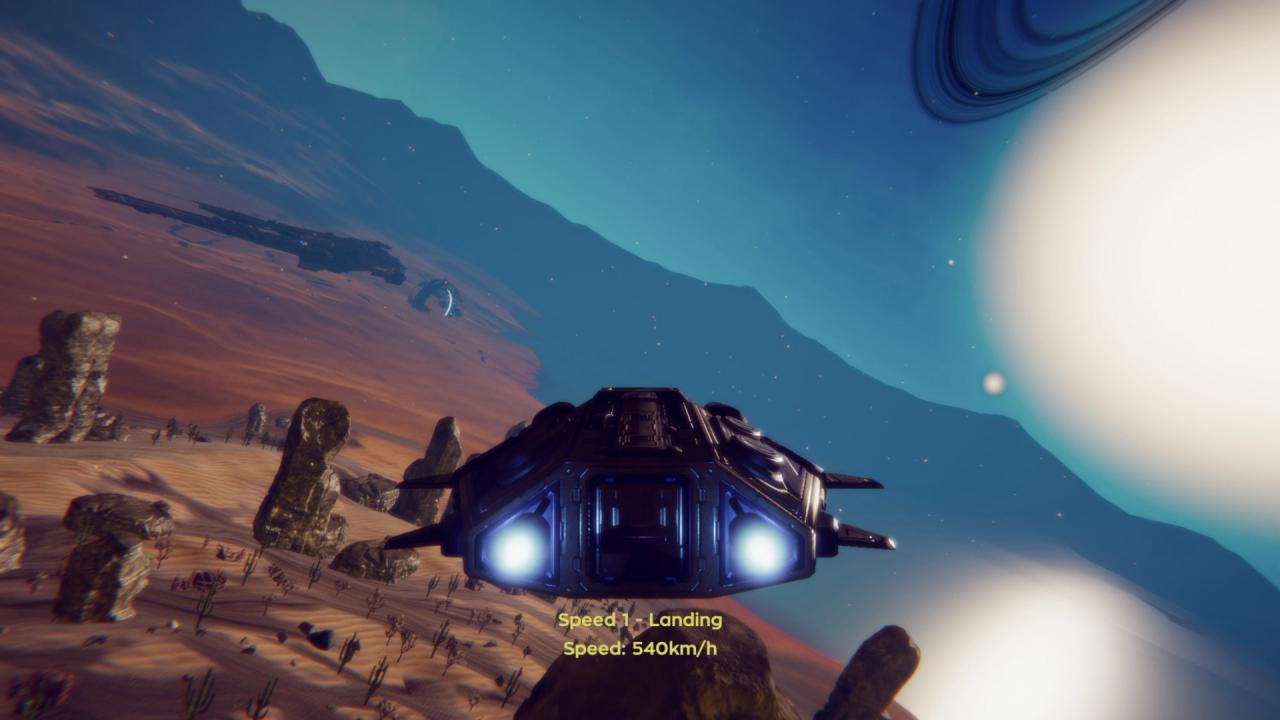
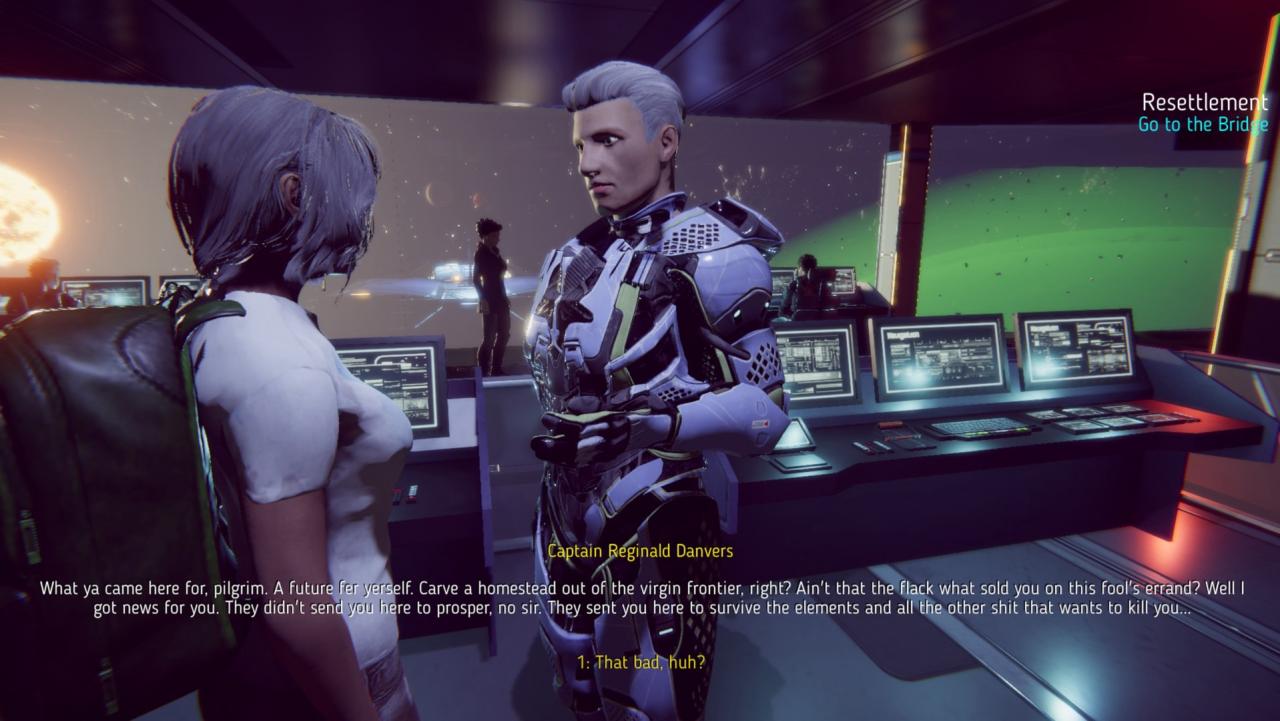
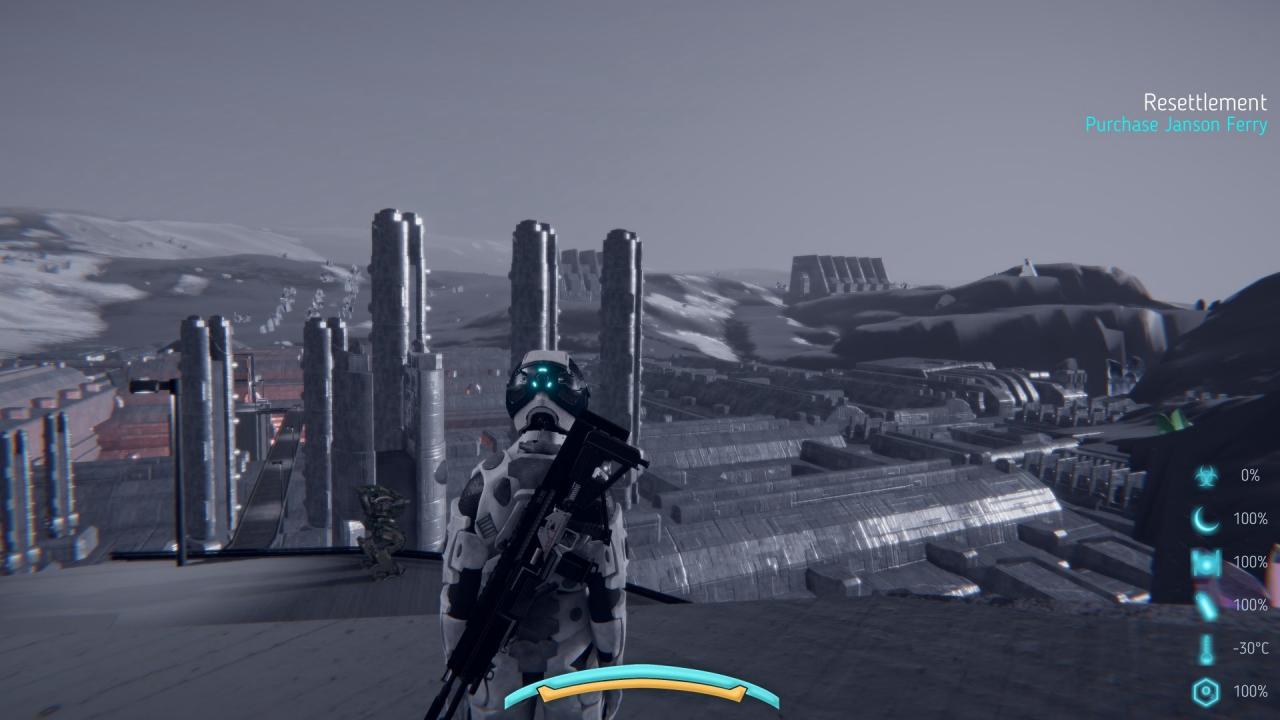
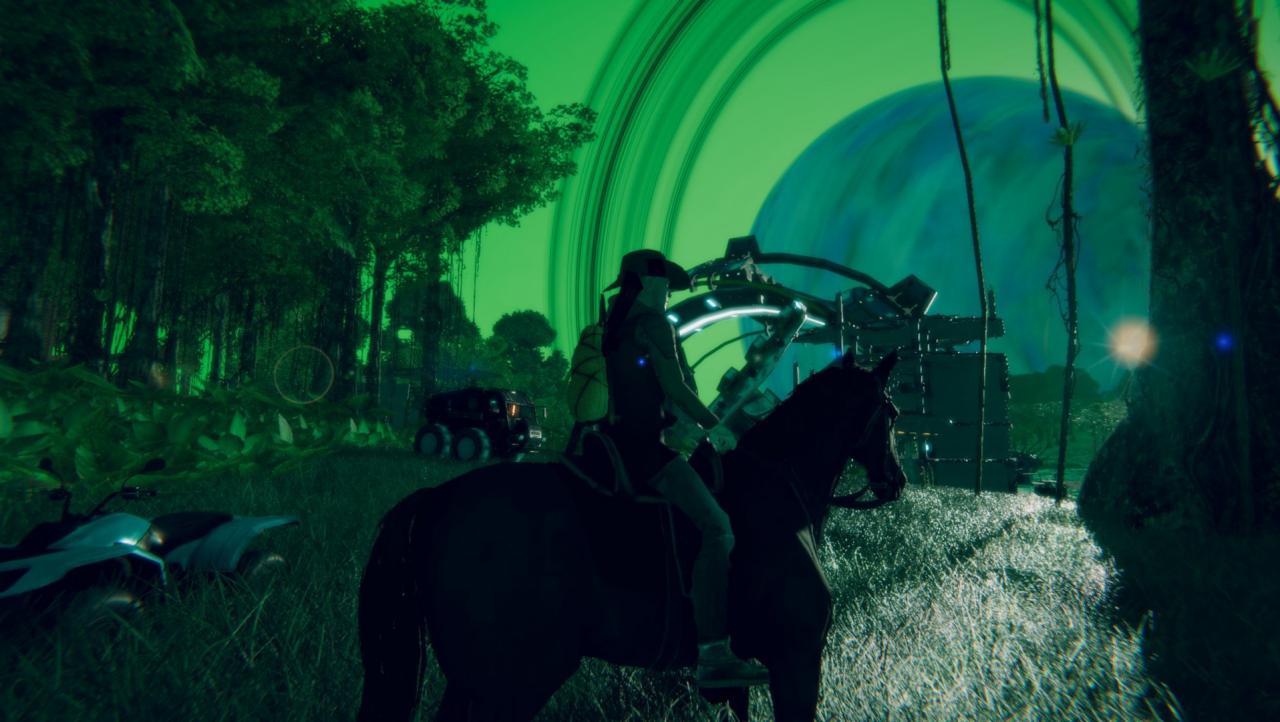
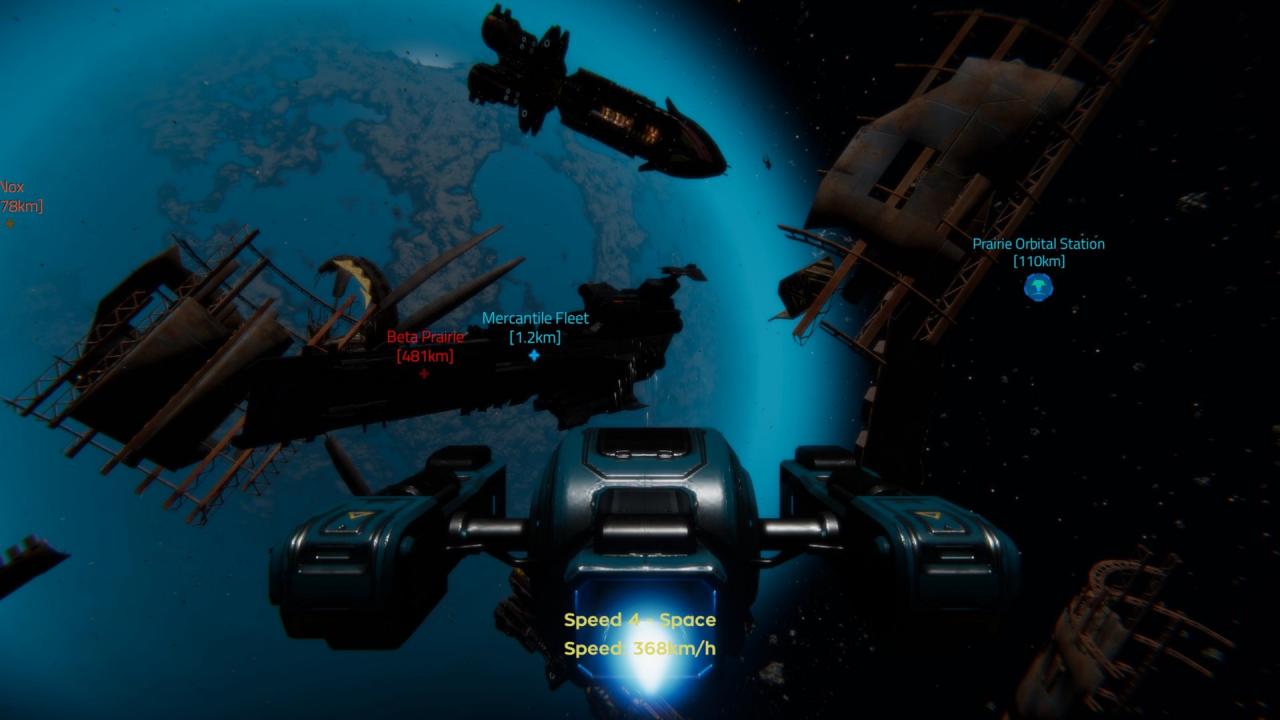
Stars End is a multiplayer sci-fi survival game set hundreds of years in the future, in a star system colonized by humans escaping their dying home world.Start with basic supplies and find a way into space – without any loading screens! Players will have the opportunity to travel the system to seek out resources, completing missions and uncovering mysteries – while building strongholds in space and planetside, continually facing the danger of other players. Utilising procedural planets, the game world is vast – but it’s not so large that you won’t be able to play with your friends.The biggest feature of Stars End is planetary warfare and territory control, with hundreds of players populating each server. Be it FPS fighting across planets and space stations, or dog fighting in open space – Stars End brings system wide combat to the genre.Make sure you keep your ship locked and your items stored safely in a container somewhere far away! Features Procedural Planets Online Multiplayer Story-based Missions Exploration Survival/PvP Territory Control Faction Wars Mining, Crafting and Resources Planet Base and Space Station Construction Fast-paced FPS/TPS combat
| Publishers | indie.io |
|---|---|
| Genres | Action, Adventure, Indie, Simulation |
| Platform | Steam |
| Languages | Chinese, English, French, German, Russian |
| Release date | 2019-10-15 |
| Steam | Yes |
| Regional limitations | 1 |